Modryos.
1.0.0 coming soon

The mod engine
for Minecraft.

Make Minecraft mods without writing code. Models, textures, animations, screens, quests and the rules that tie them together, in one desktop studio. Press Play and the mod opens in the game.
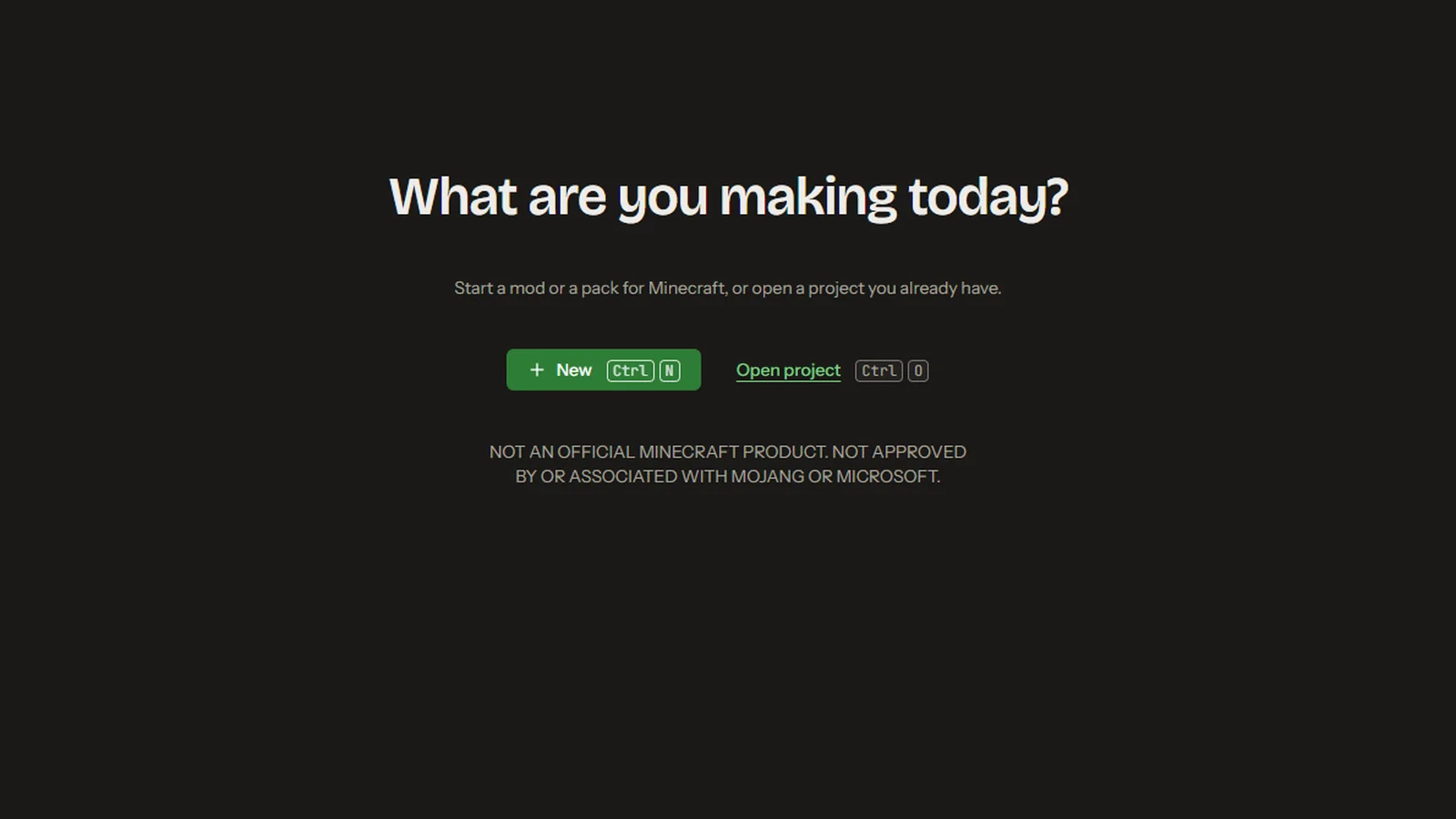
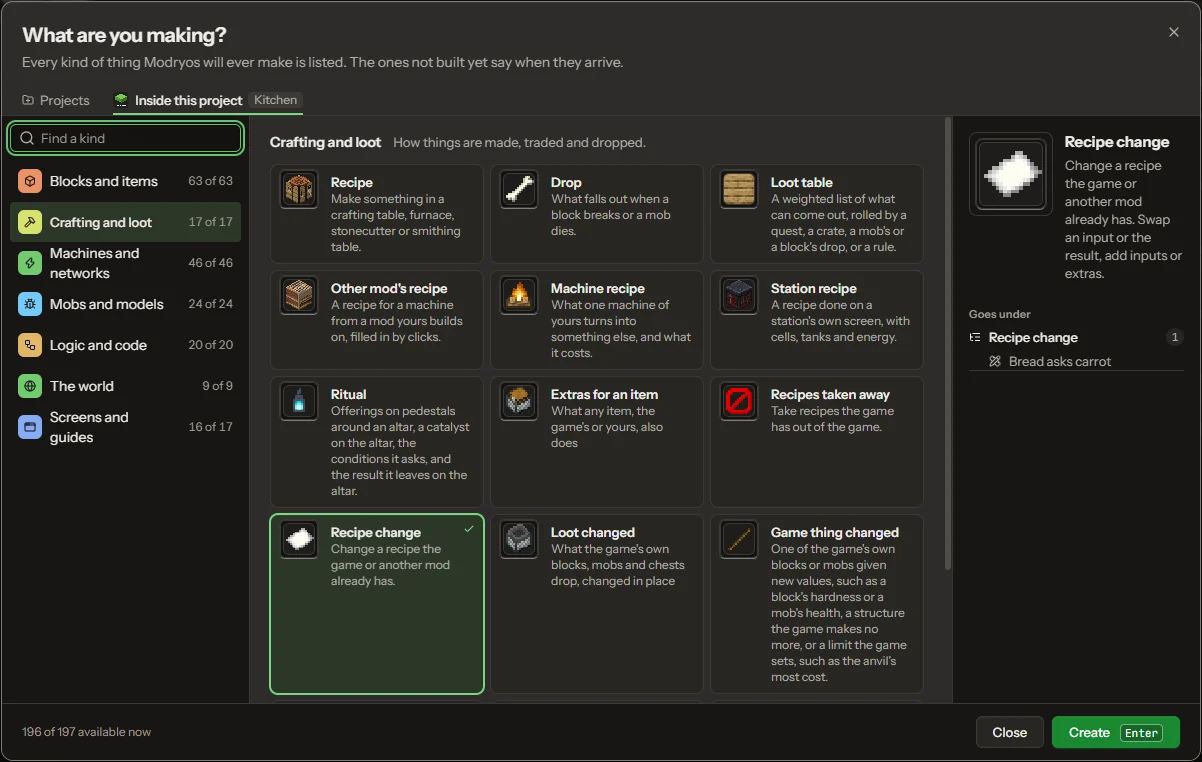
Modryos' first screen: What are you making today? The New window: What are you making? Kinds listed in seven groups, here crafting and loot

Every mod starts here: press New and pick what to make, from a block or a tool to a machine, a creature or a screen.

1 · Models and animation

Shape it, paint it, make it move.

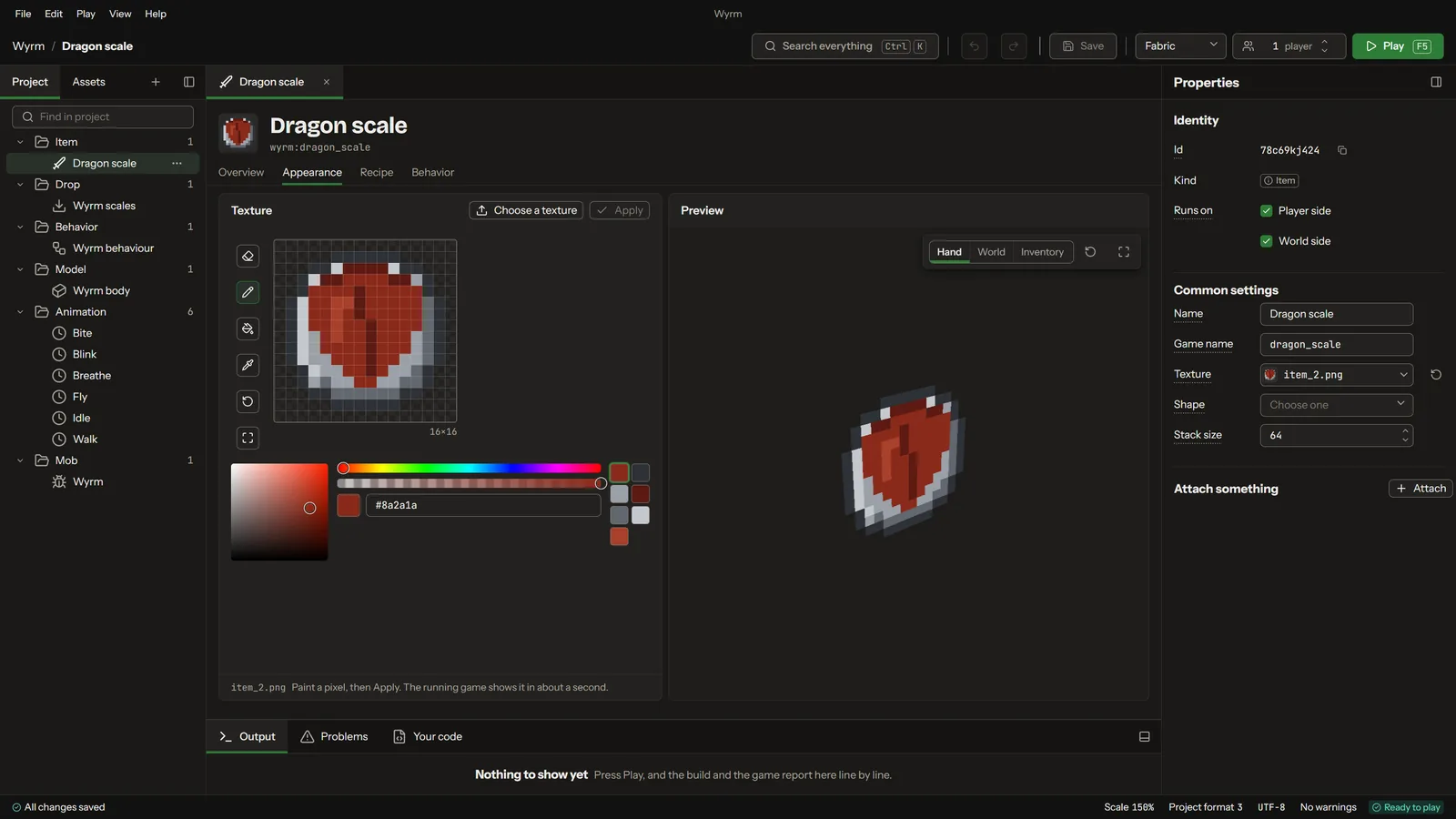
A model editor with a live 3D preview, a pixel painter for textures, and a timeline for animations. The wyrm here was modelled, its scales painted and its breathing animated this way, all in the same project as the rest of the mod.
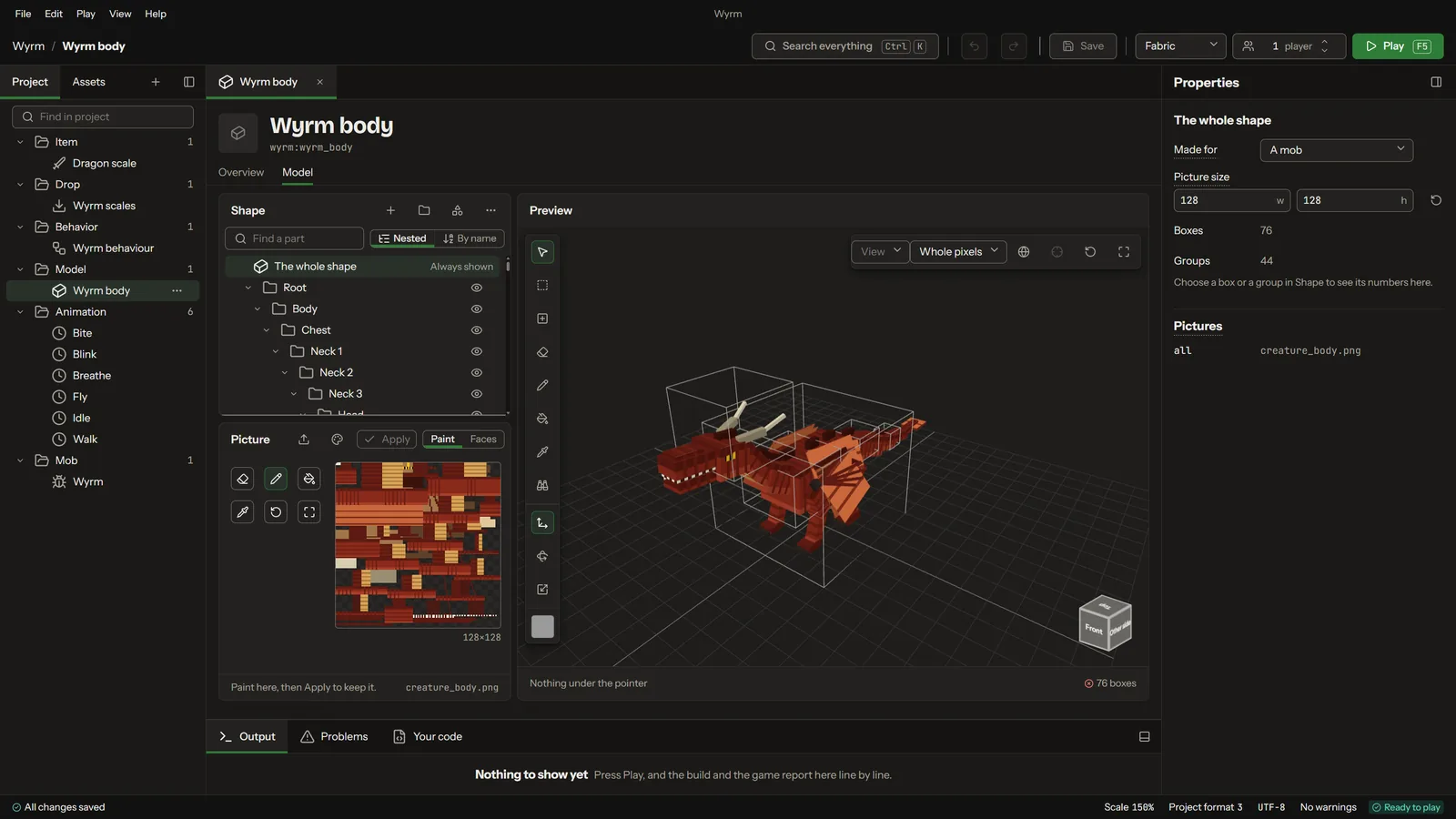
The wyrm's body in the model editor
Model
Painting the dragon scale's texture
Texture
Animation, playing
2 · Screens

Build a screen here. Open it there.

Machine screens, HUD bars, books and quest views. Drag controls onto the screen, give them a look, and tie them to what the mod knows: the foods a player has tasted, a tank's level, their mana. What you lay out is what opens in the game.
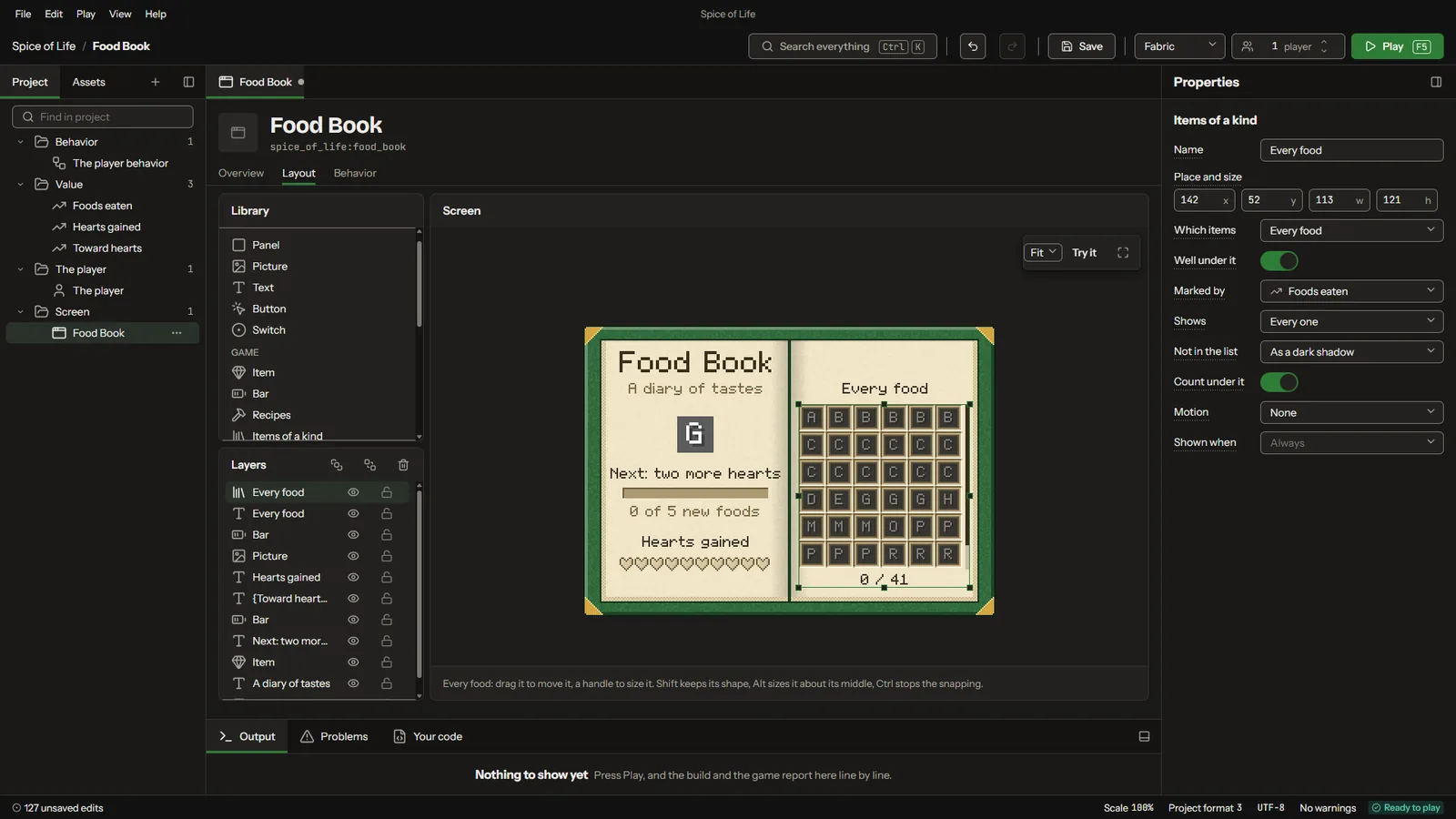
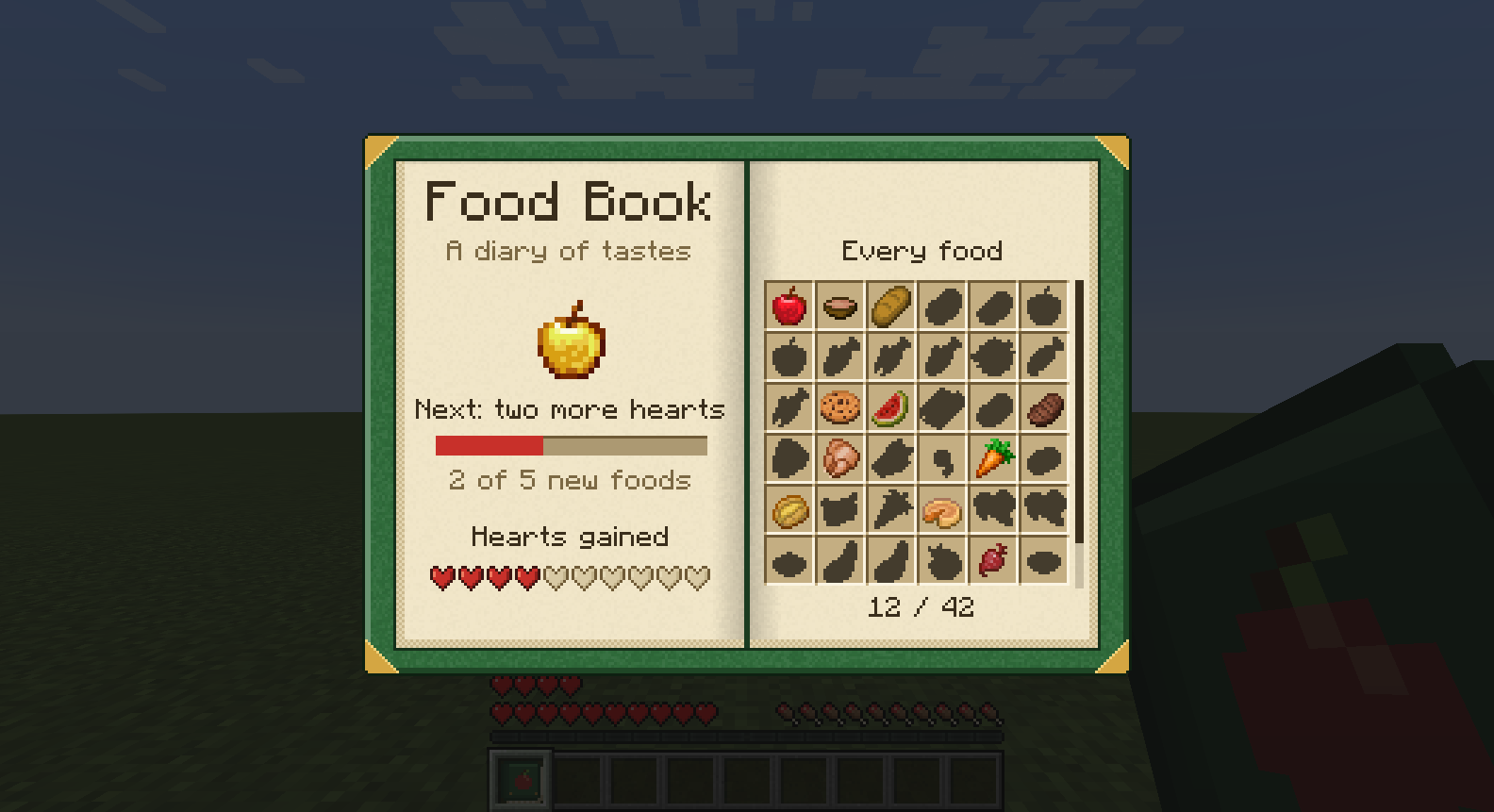
A food book laid out in the screen builder
In the studio
then Play
The same food book open in the game
In the game
3 · Rules and code

Say what happens. In sentences, or in Java.

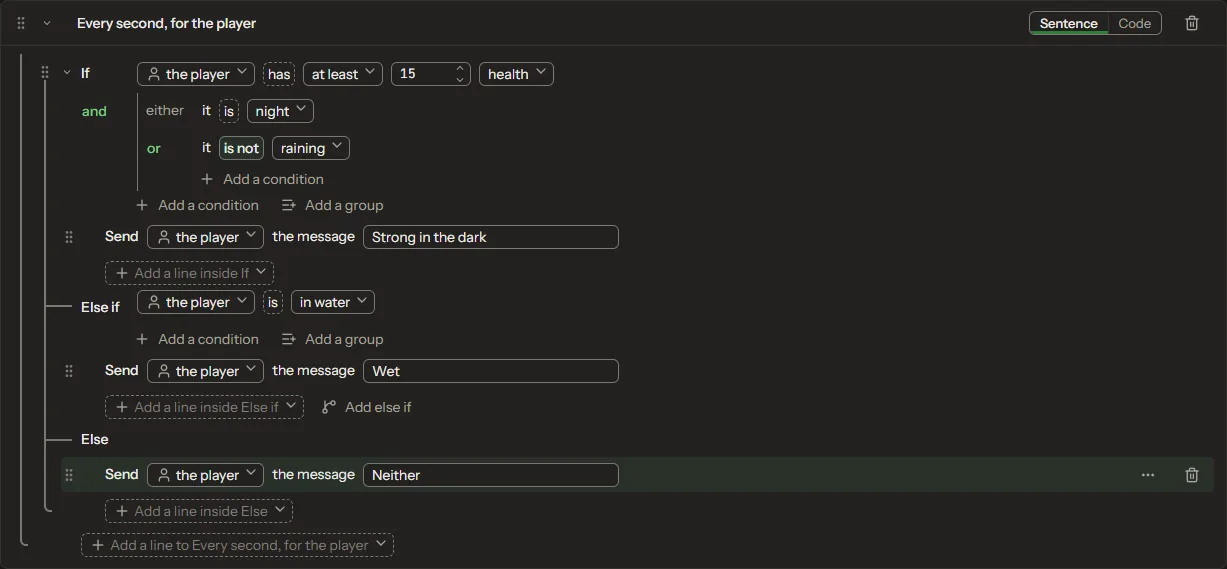
When the sword hits something, set it on fire, and if it was a player, warn whoever holds the sword. Conditions nest into groups the way a game engine's visual scripting does. Each sentence is Java underneath, the code view is one click away, and your own Java classes and mixins sit right beside it.
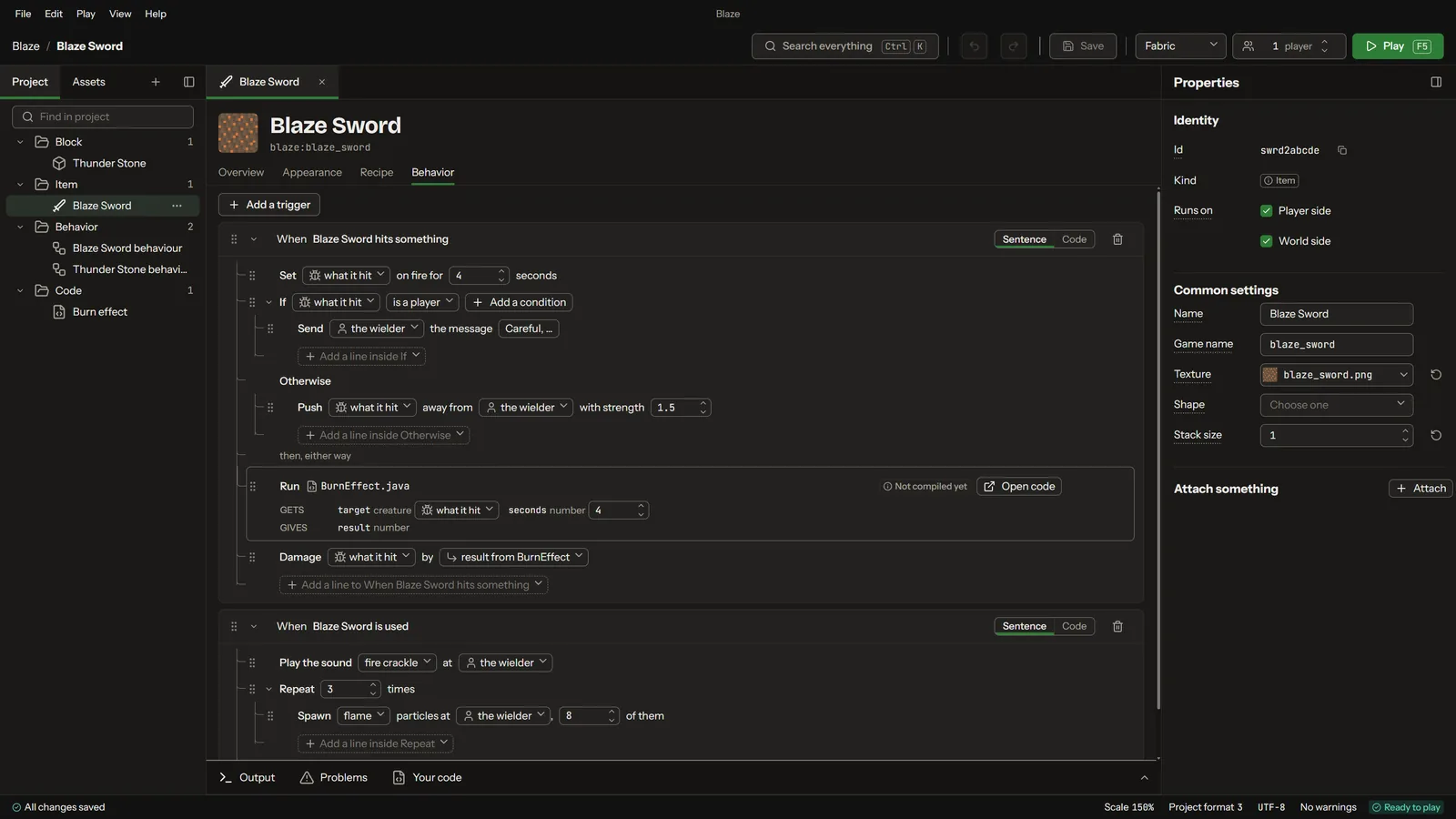
A sword's rules written as sentences
Sentences
Conditions grouped with If, Else if and Else
Conditions
4 · Quests

Quests on a map, pages as you drew them.

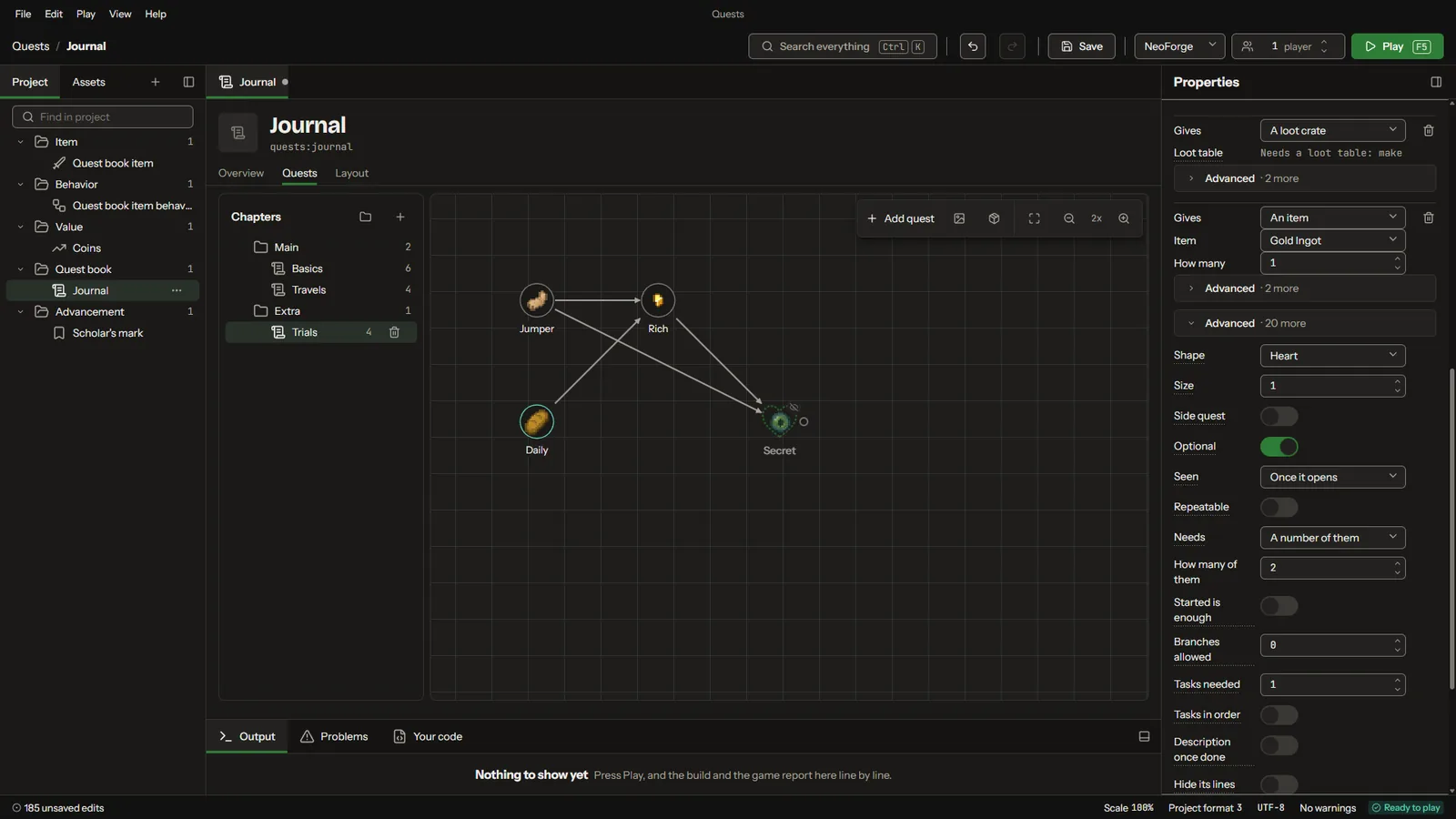
Chapters, quests and the lines between them, drawn on a map. Each quest's page is laid out in the screen builder and opens in the game exactly as you drew it.
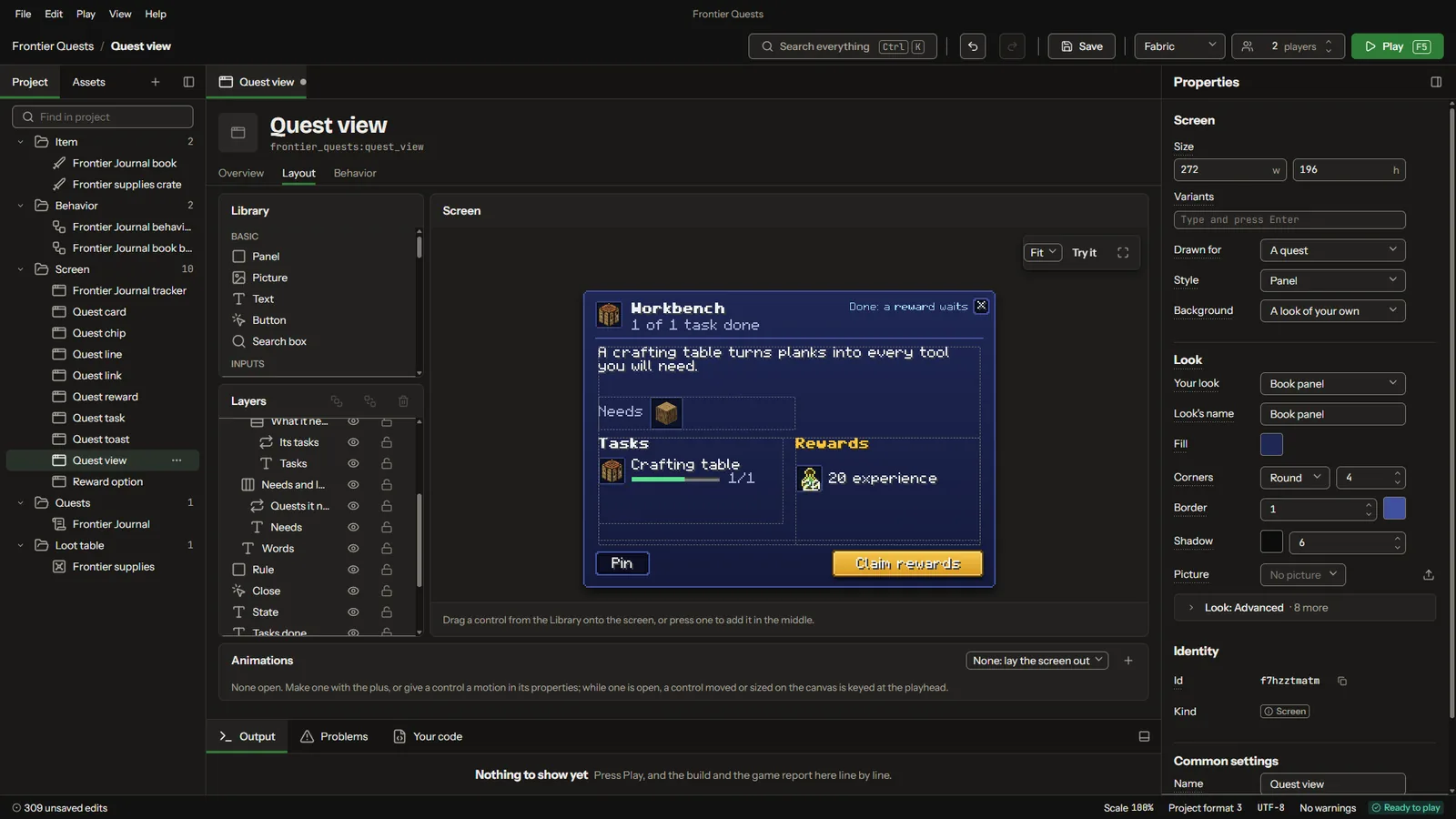
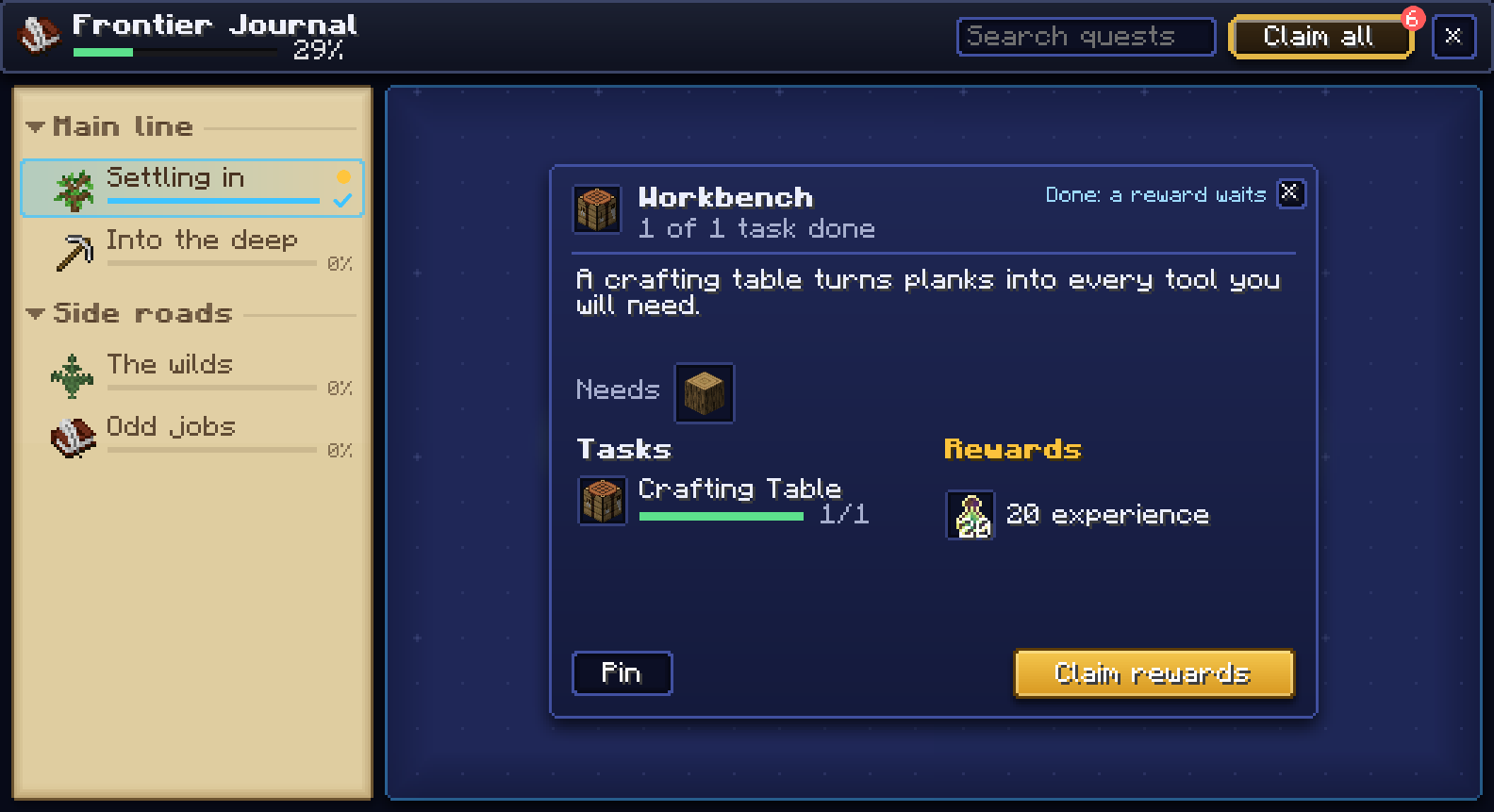
Laying out a quest's page in the screen builderThe same quest page in the game
A quest's page, in the studio and in the game
A chapter's quests drawn on the quest map
Quest map
5 · Versions

Every version kept.

Save a version whenever you like, compare any two, and see what changed, element by element. Here a dragon scale's stack size went from 64 to 16.
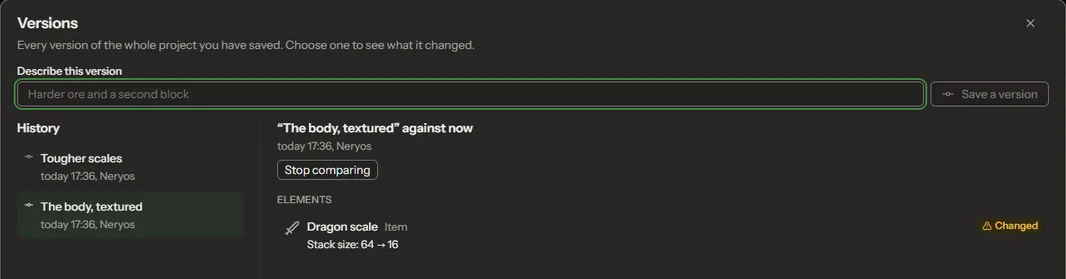
Comparing two saved versions of a project
Two versions compared

Everything it makes.

These are pictures from the studio and the game. Click any picture to see it bigger, and click again to look closer.

Creatures, items and recipes
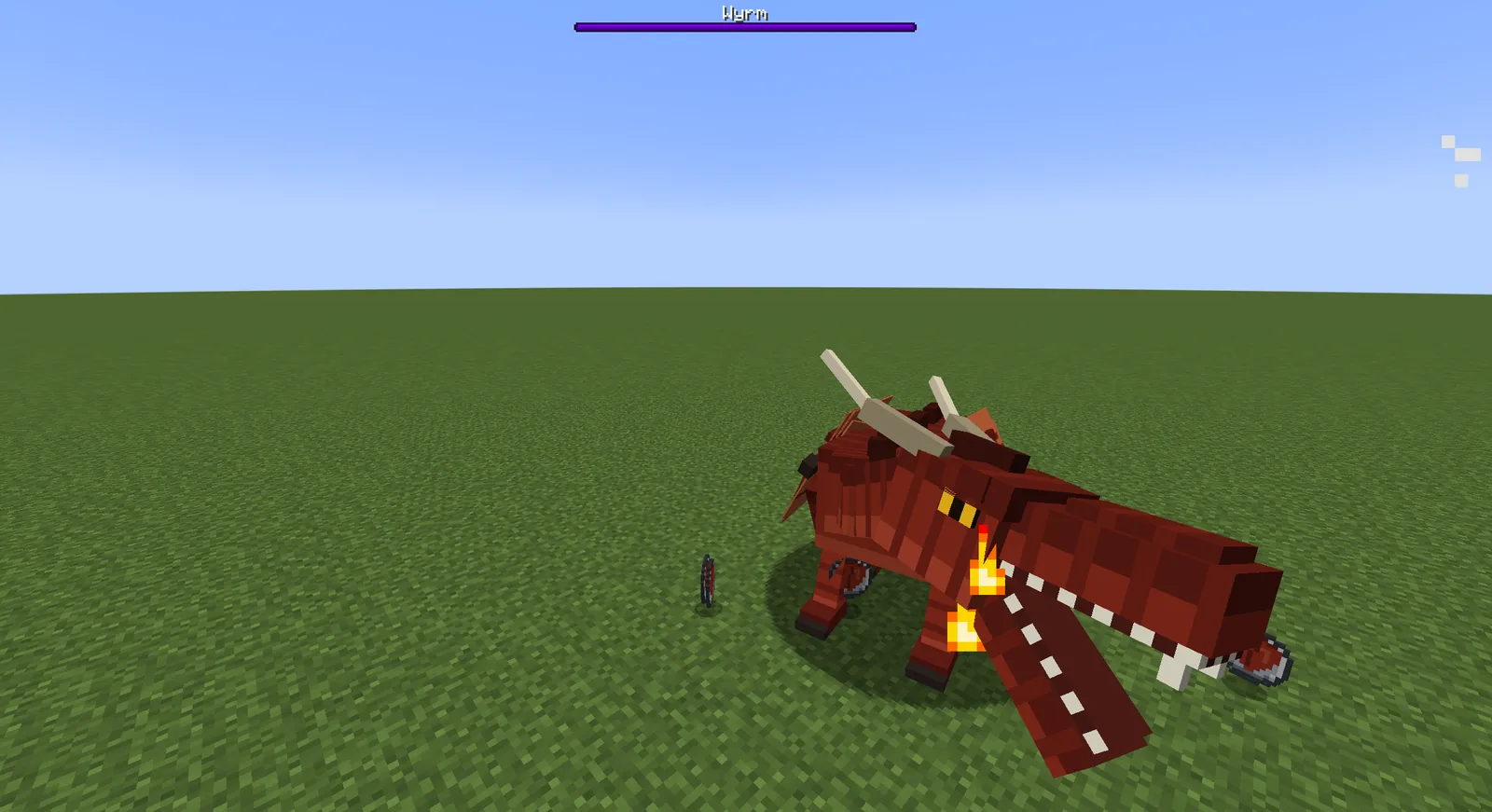
A wyrm breathing fire
CreaturesModelled, animated and given a mind of their own.
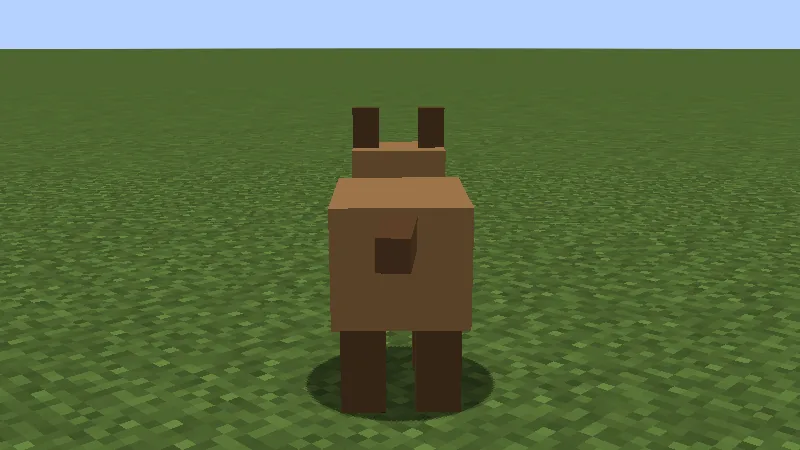
A small animal standing in a field
AnimalsSmall critters that walk, graze and glow.
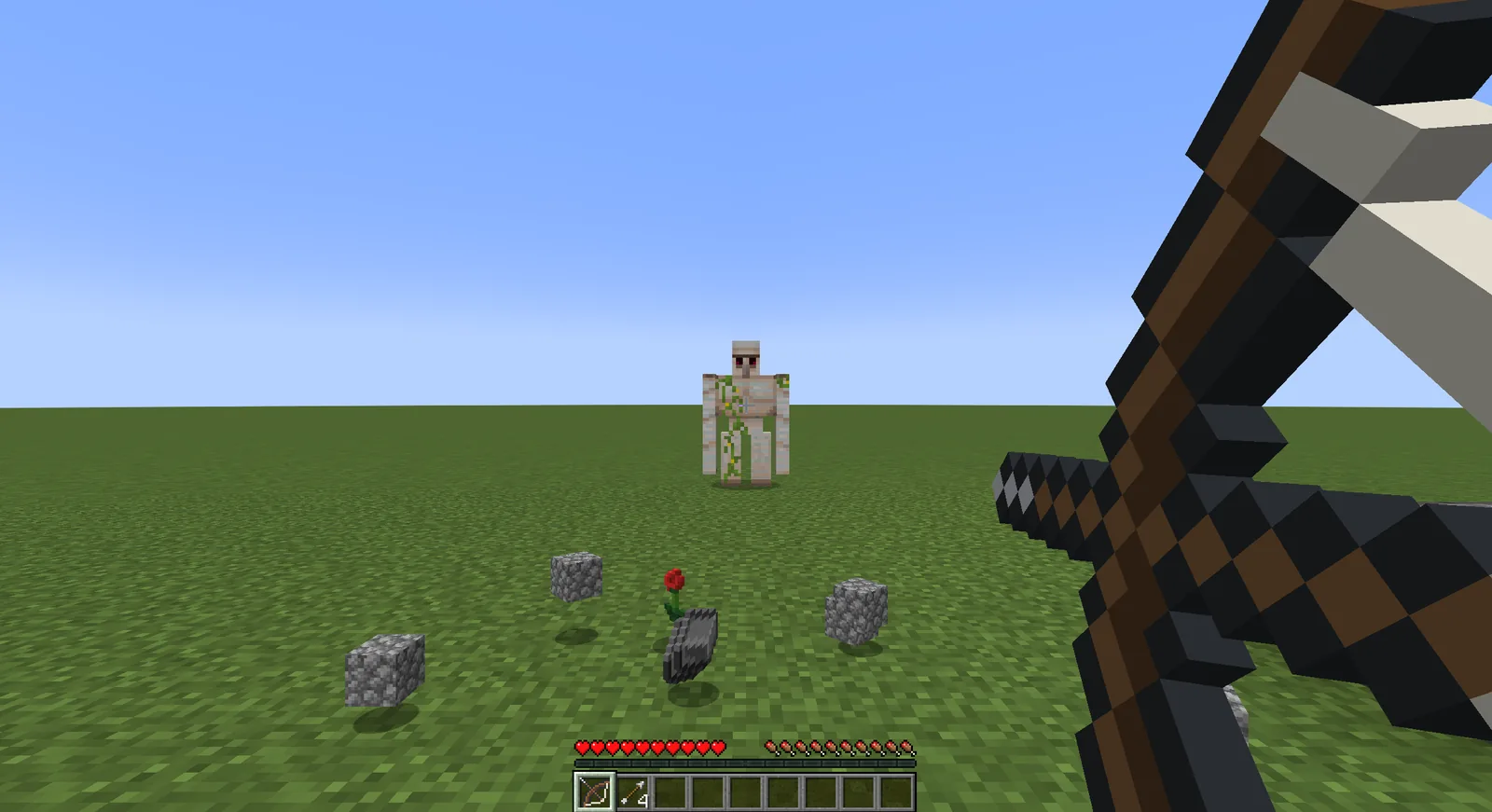
A long bow drawn back
WeaponsBows, crossbows and swords with their own feel.
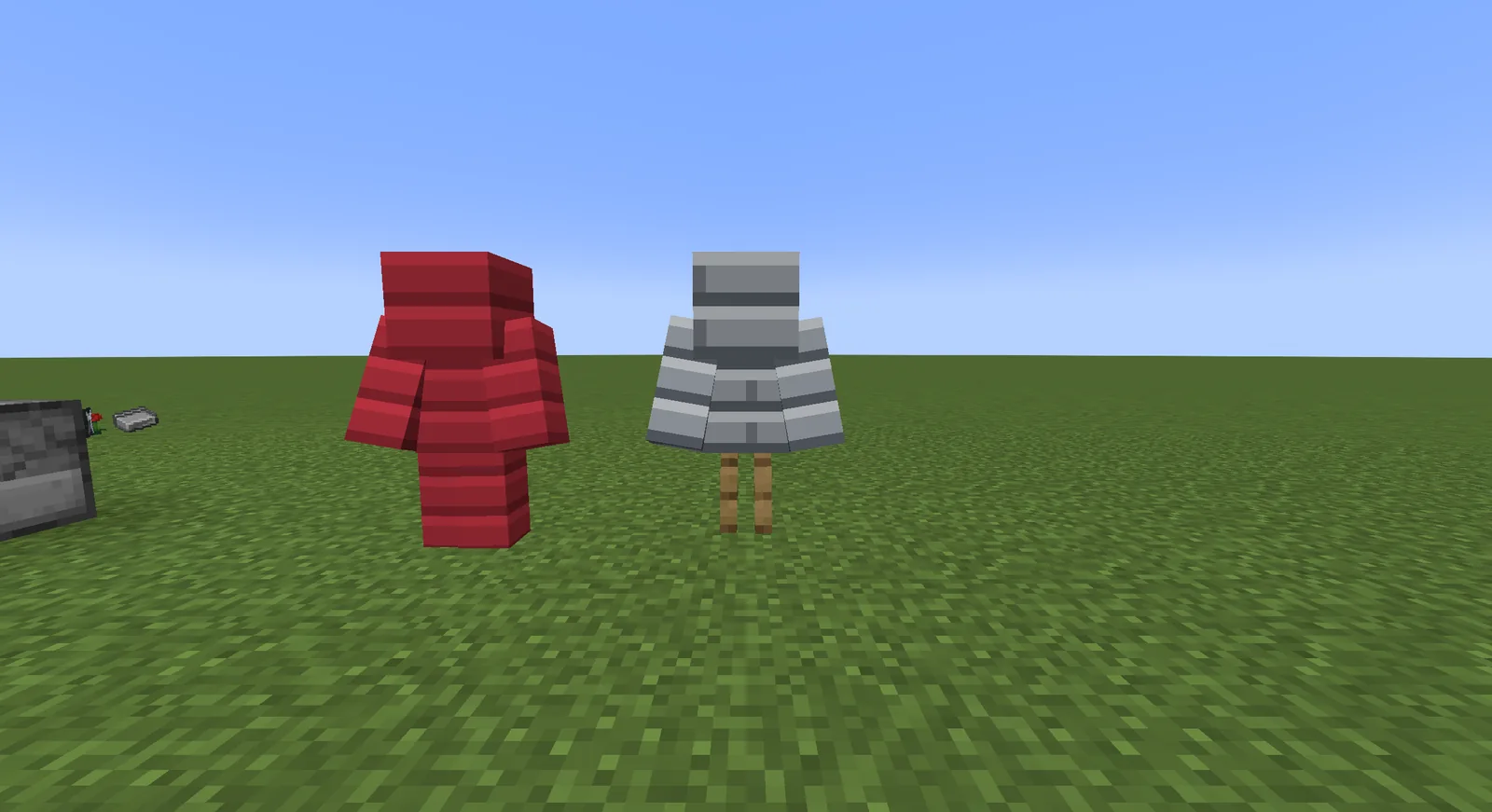
Two sets of armour on stands
ArmourSets you craft, wear and see on the player.
A magnet in the hotbar with its charge bar
Charged itemsItems that hold energy, with a charge bar in the hotbar.
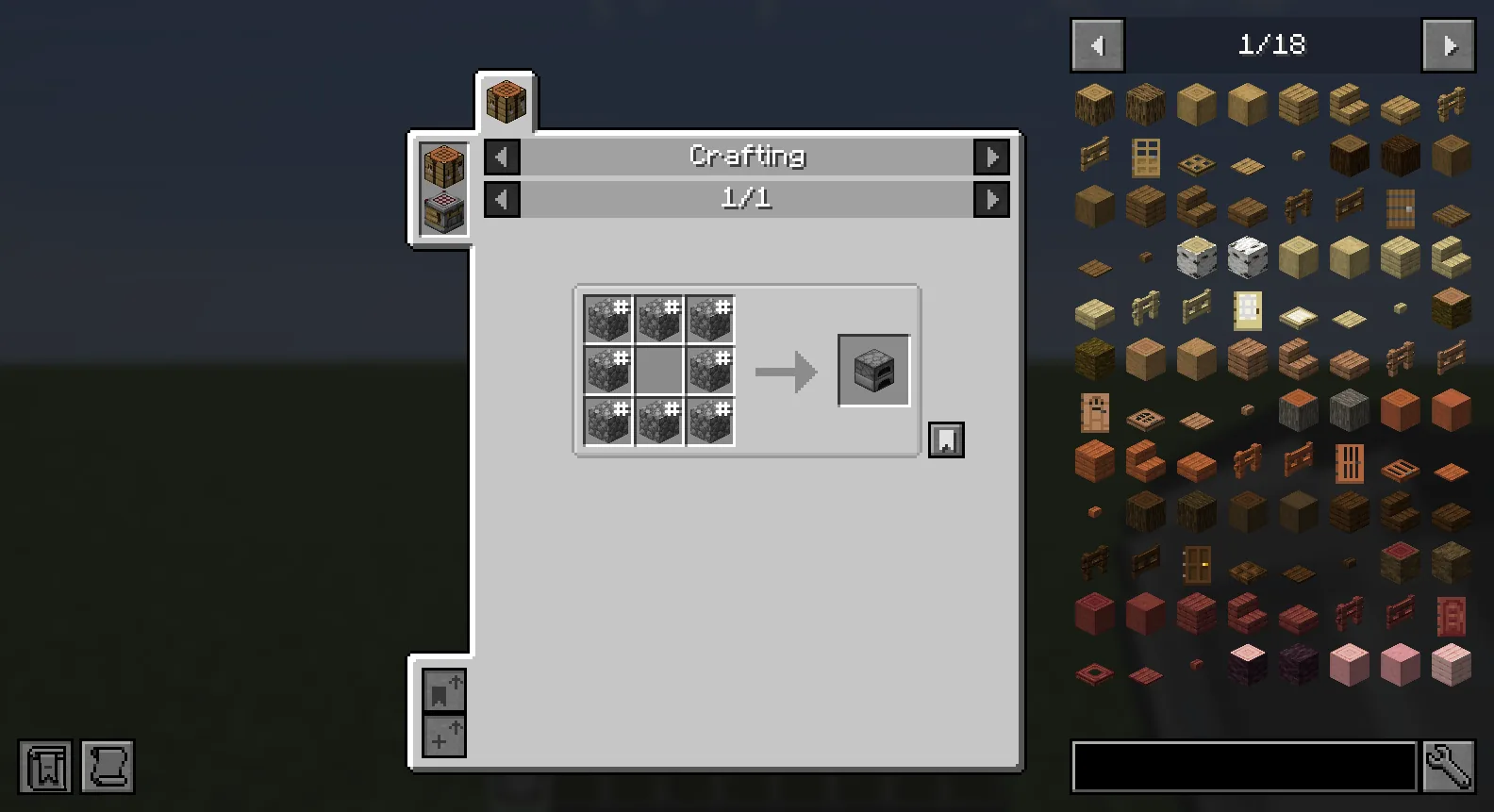
A crafting recipe shown in JEI
RecipesShown in JEI and the other recipe viewers.

Machines and tech

Block modelsA machine's casing, carved in the model editor.
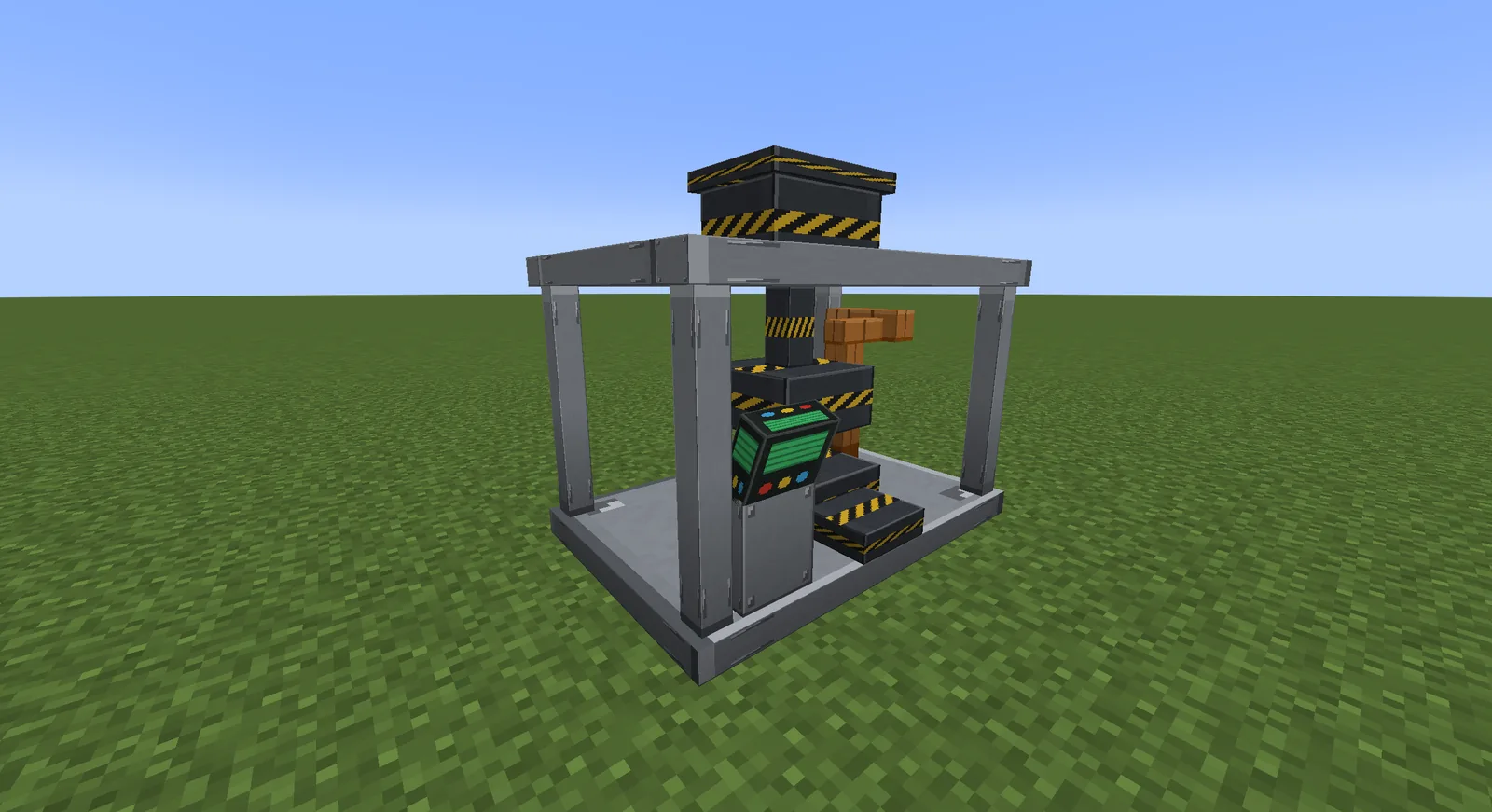
A large press machine
MachinesWith energy, inputs, outputs and a screen.
An energy cell, full
EnergyCells that store energy and pass it along.
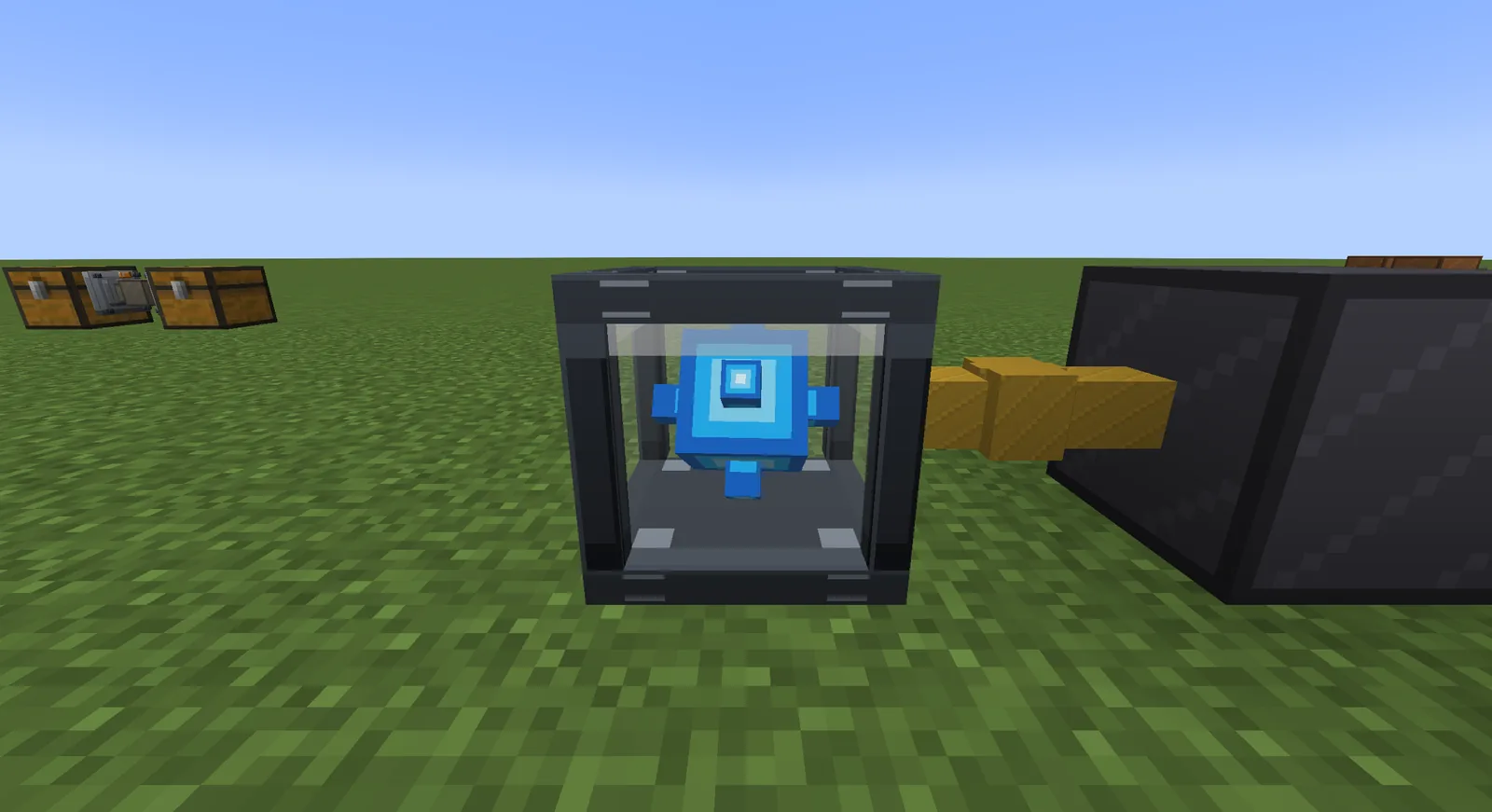
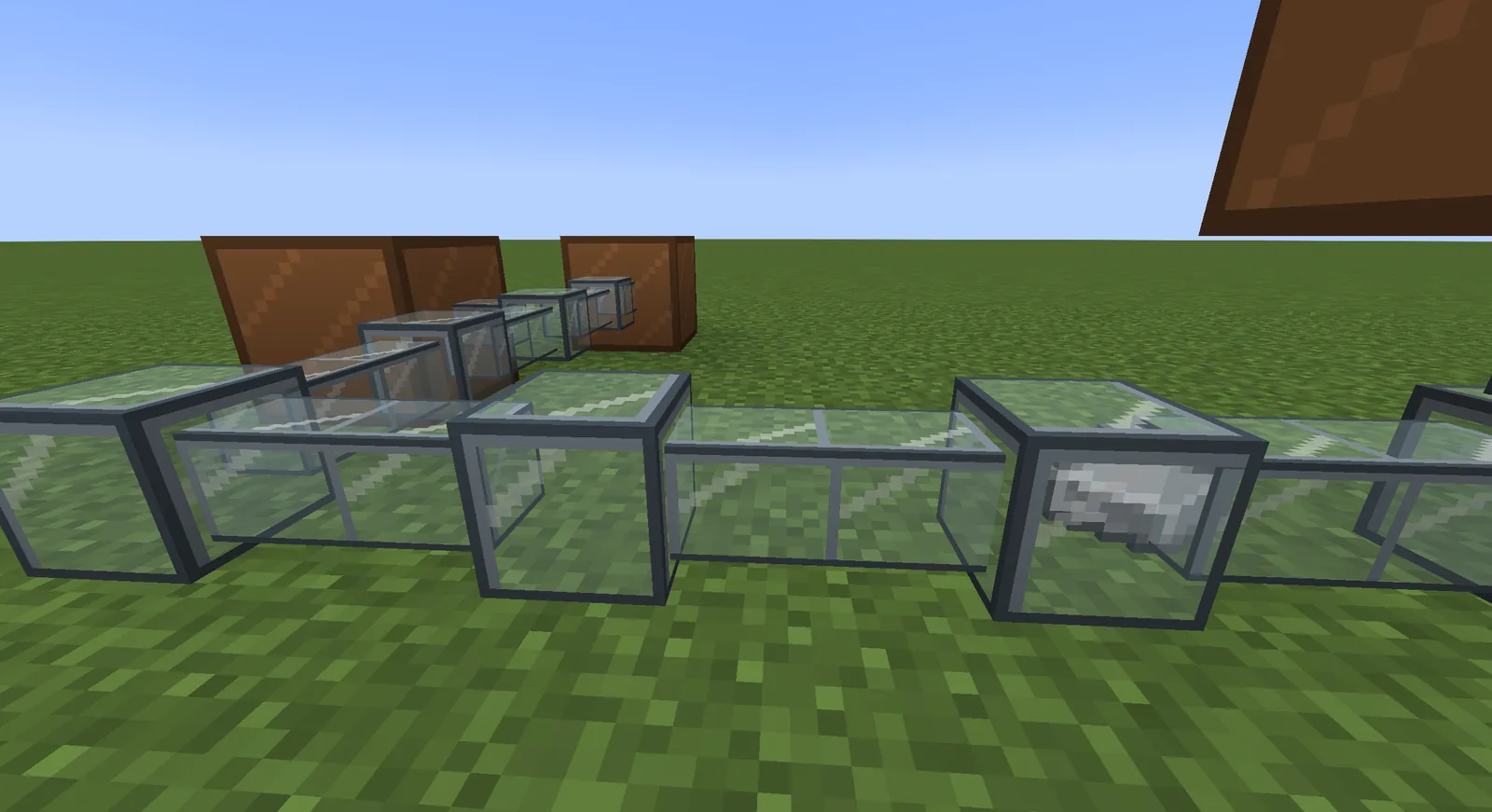
Items travelling through a glass duct
Item ductsItems travel through pipes you can see into.
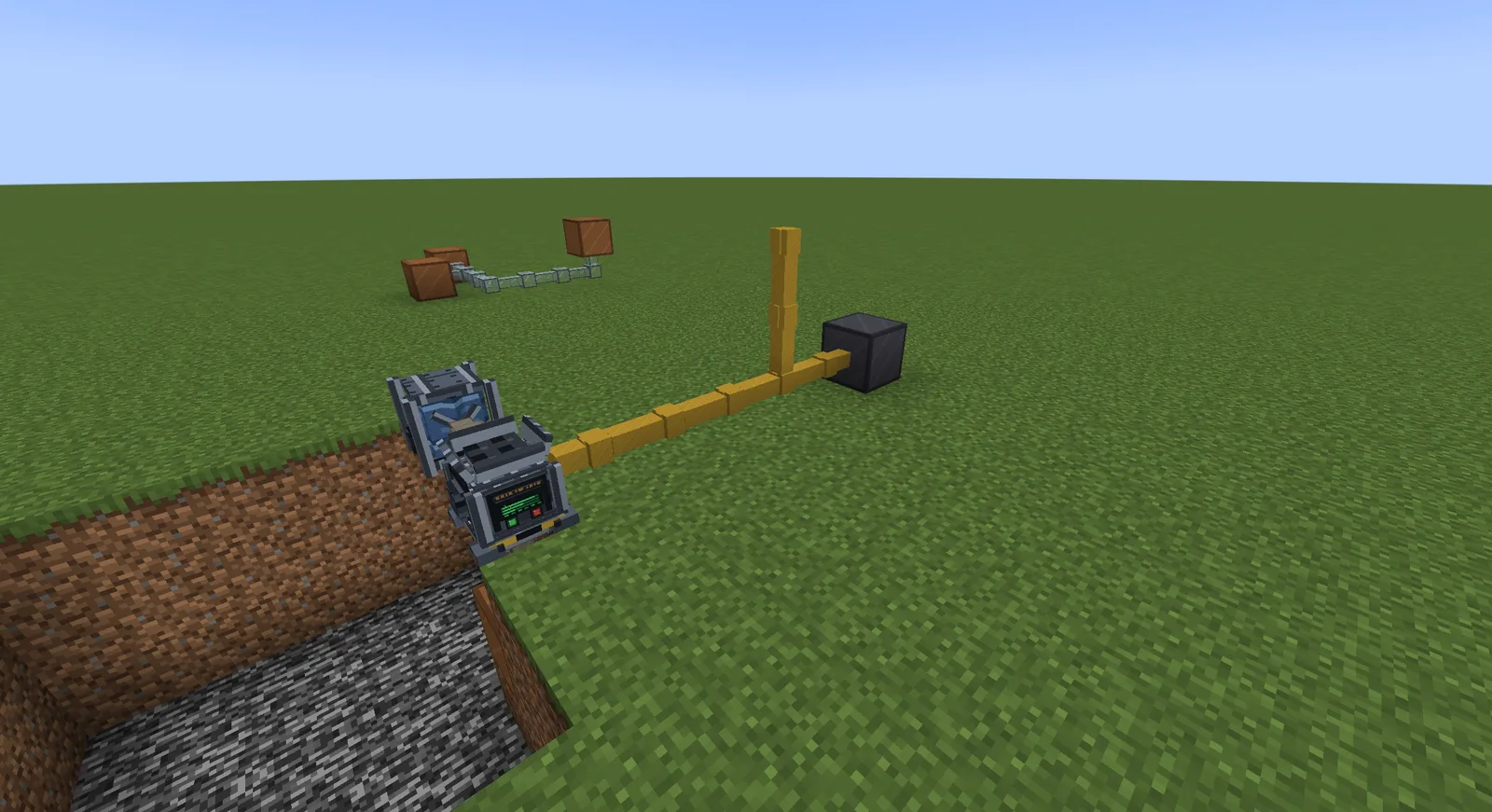
Machines joined by cables and a fluid pipe
Cables and pipesEnergy, fluids and items between machines.
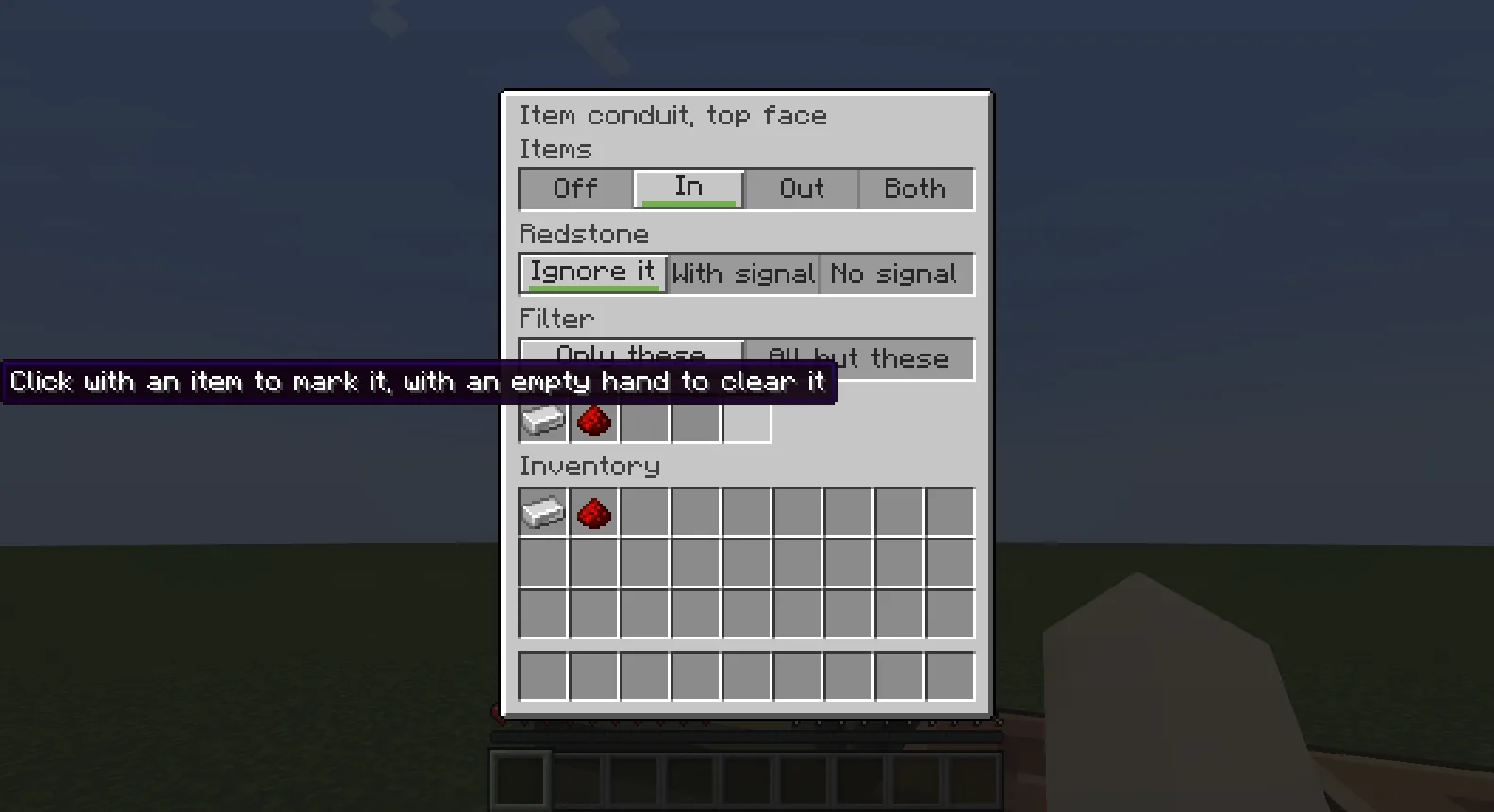
The settings of one face of an item conduit
Settings per faceIn, out, redstone and a filter on each side.

Screens and quests

Machine screensLaid out by dragging, tried on the spot.
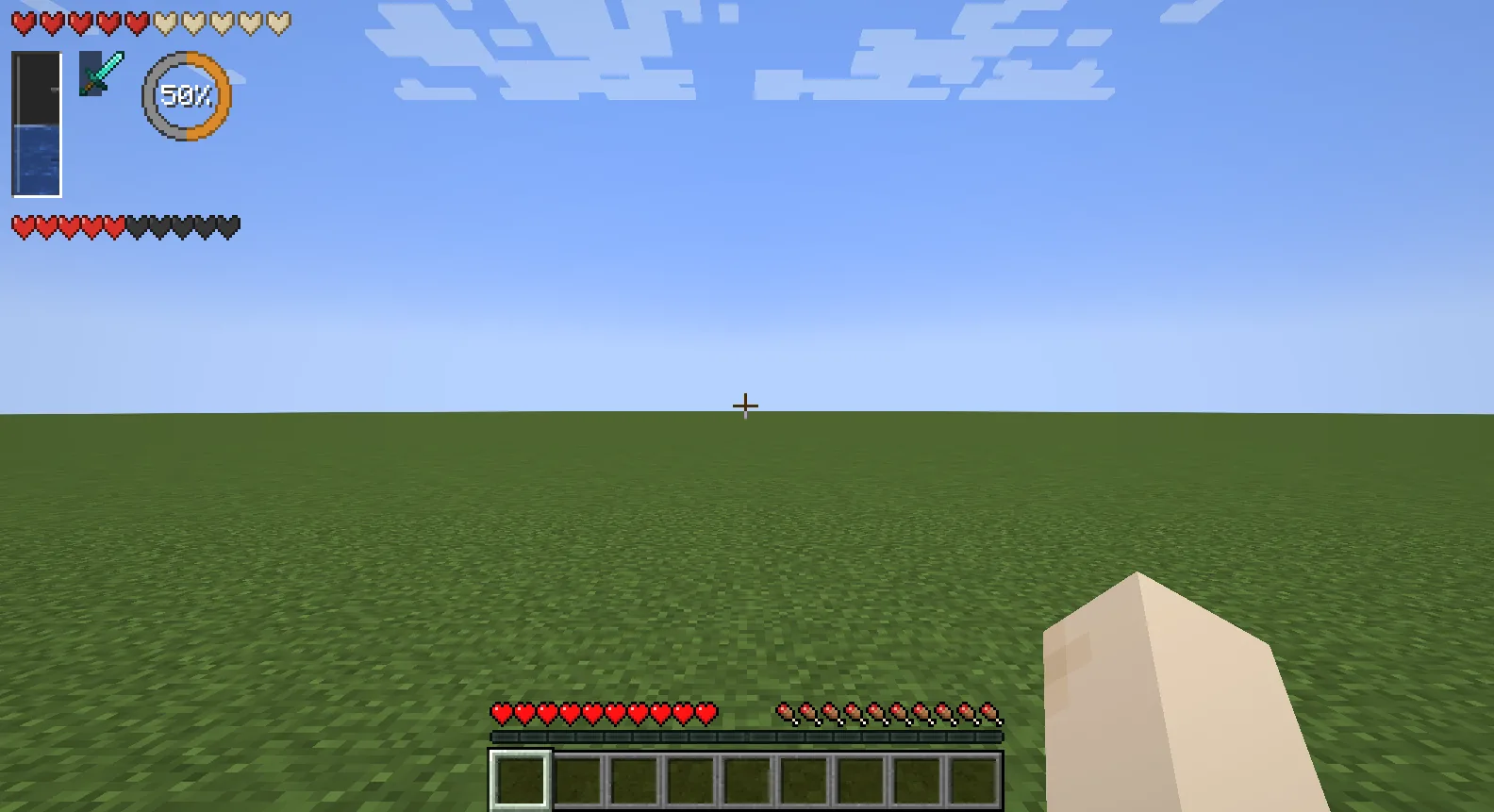
Gauges on the player's HUD
HUDBars and gauges over the game.
A bestiary listing mobs
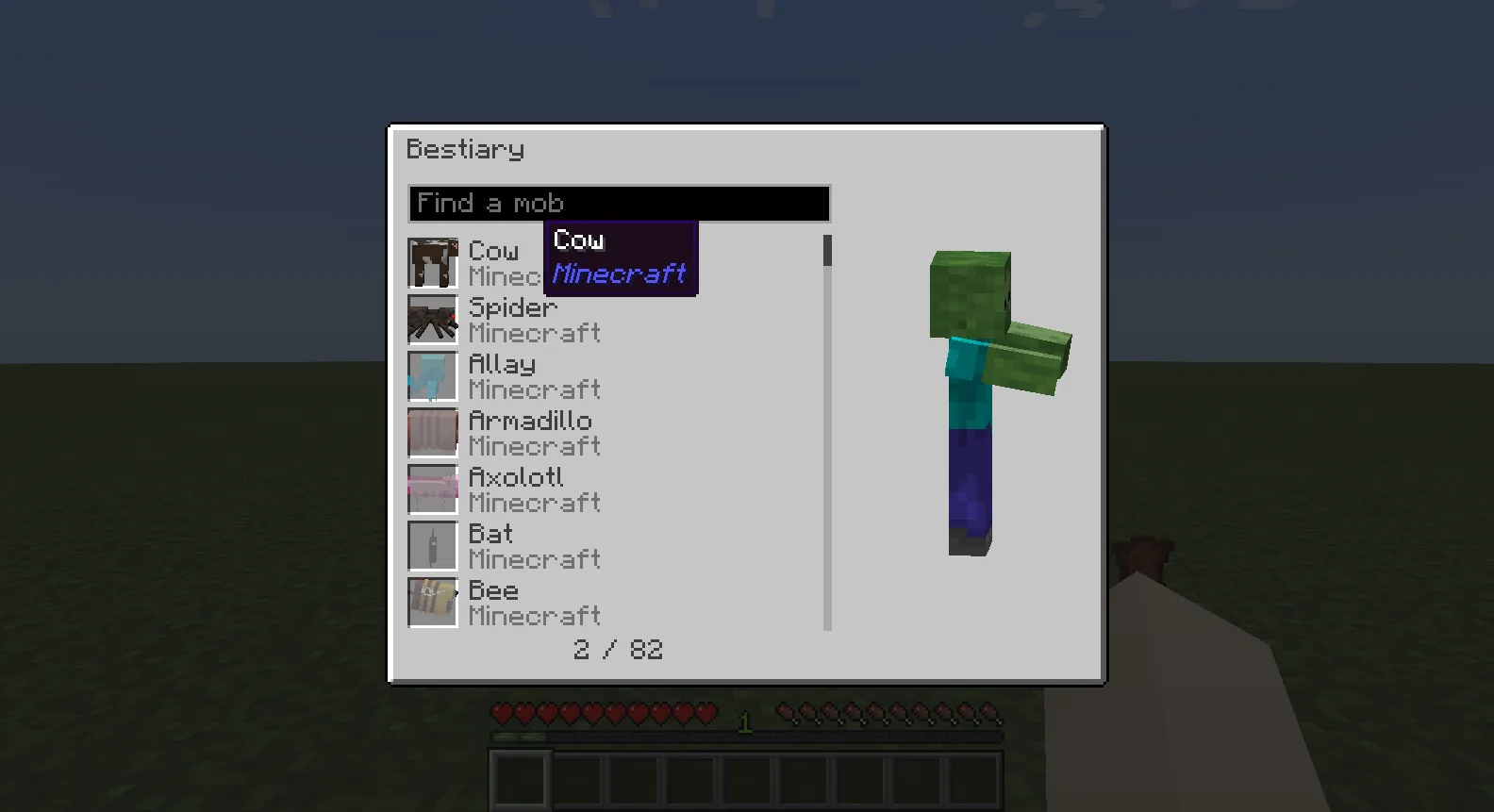
Books and bestiariesGuides, lists and pages with search.
A skill tree with a skill bought
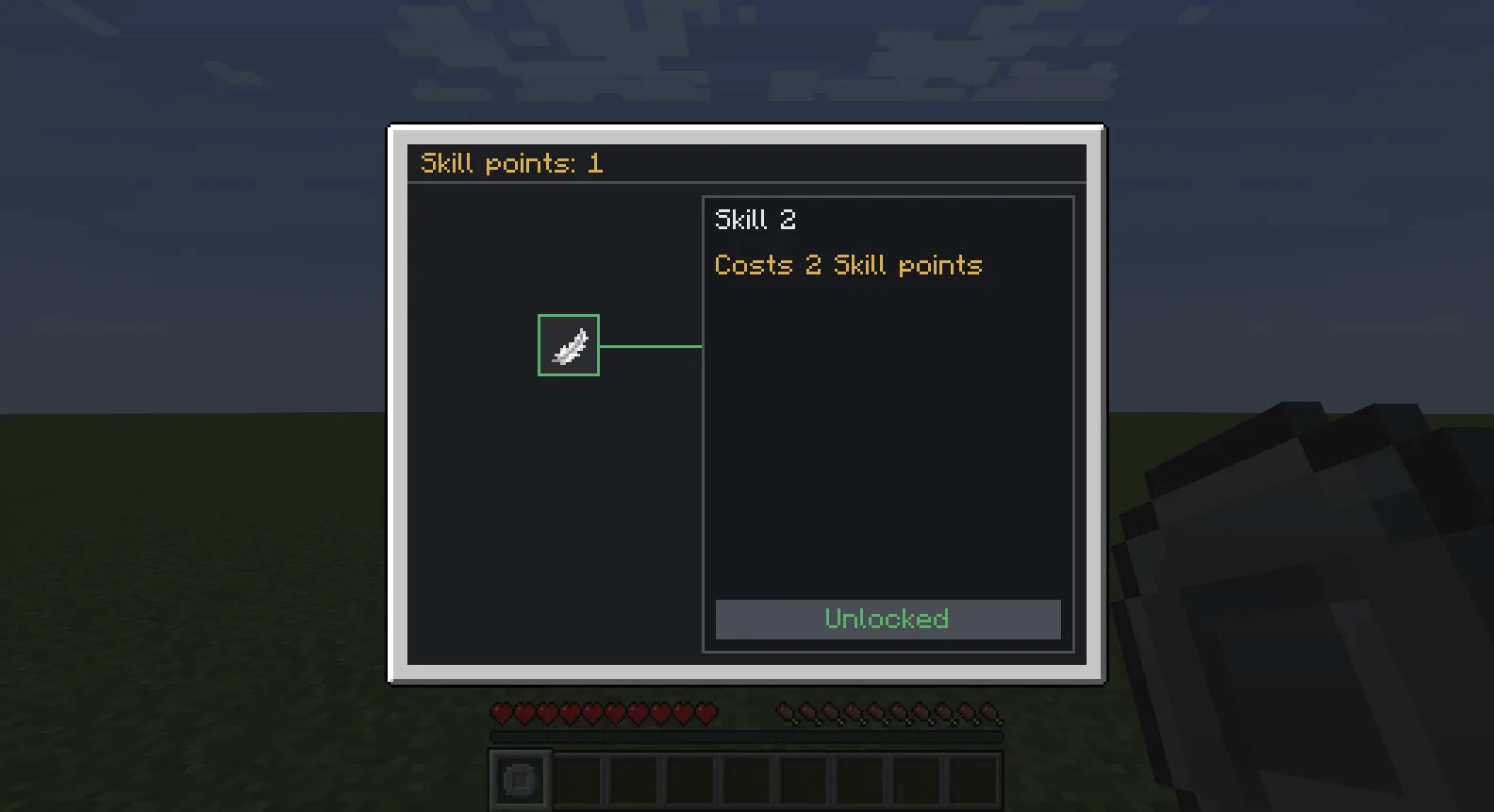
Skill treesPoints to spend, skills to unlock.
An altar's ring of pedestals
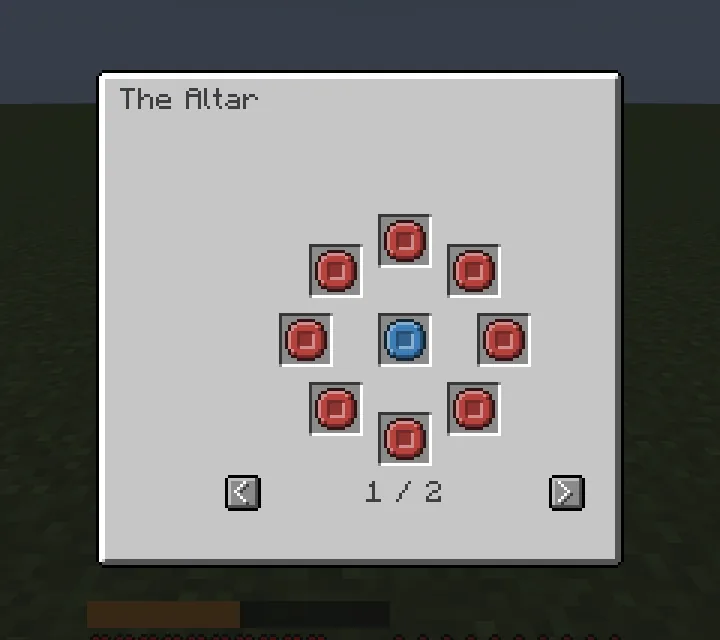
AltarsRituals on a ring of pedestals.
A quest chapter's map in the game
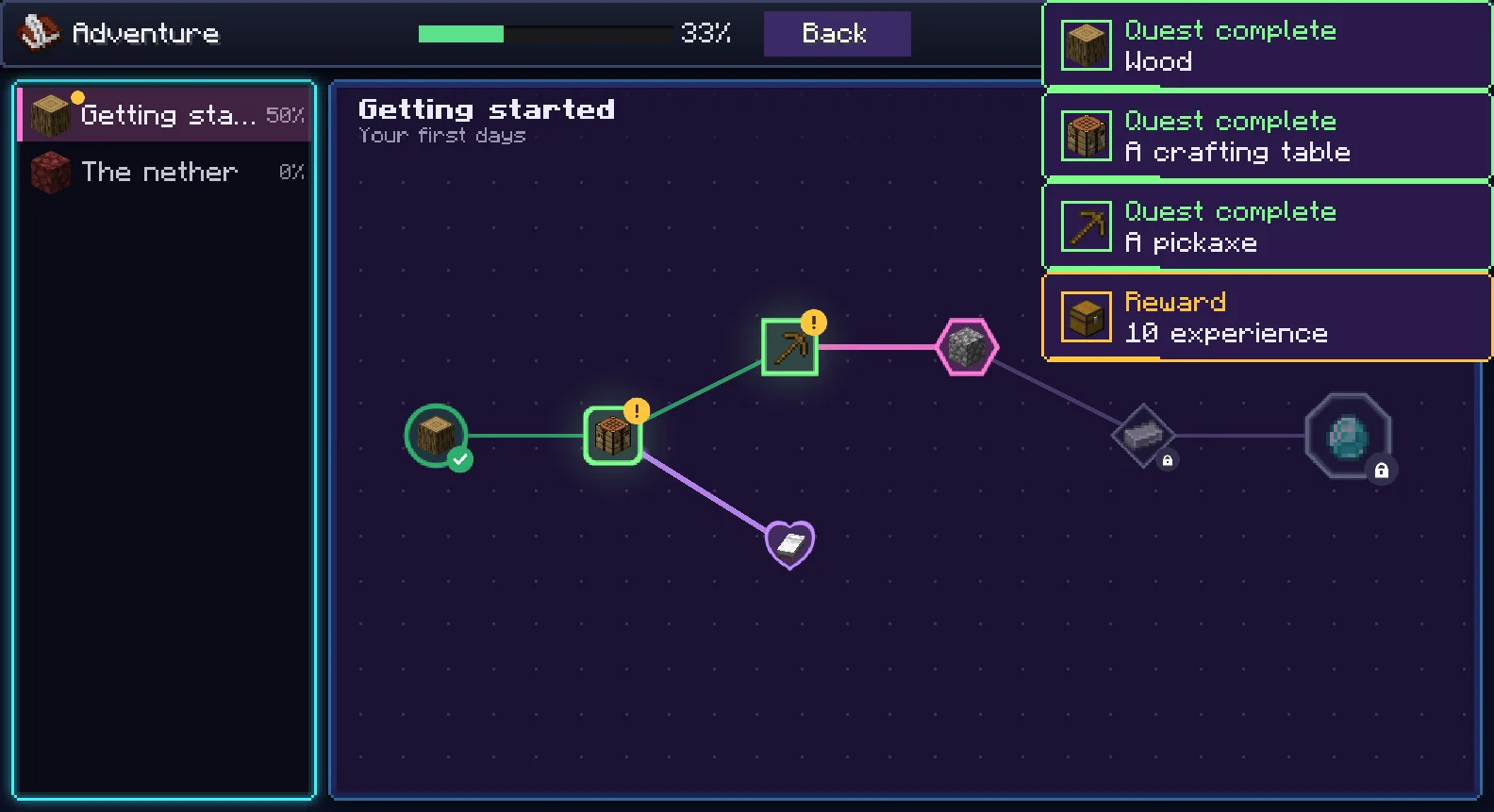
Quest booksChapters, quests and rewards in the game.
Where it stands

1.0.0 is coming soon.

Watch the repository on GitHub to hear when it's out.

New to modding? Read the questions people ask.

  • Minecraft Java Edition1.21.1, 1.21.11, 26.1.2, 26.2, 26.3
  • LoadersNeoForge and Fabric
  • First mod made with itGoat Apples
  • Release1.0.0, coming soon

NOT AN OFFICIAL MINECRAFT PRODUCT. NOT APPROVED BY OR ASSOCIATED WITH MOJANG OR MICROSOFT.